How to Create Children's Activity Books - The Ultimate Guide
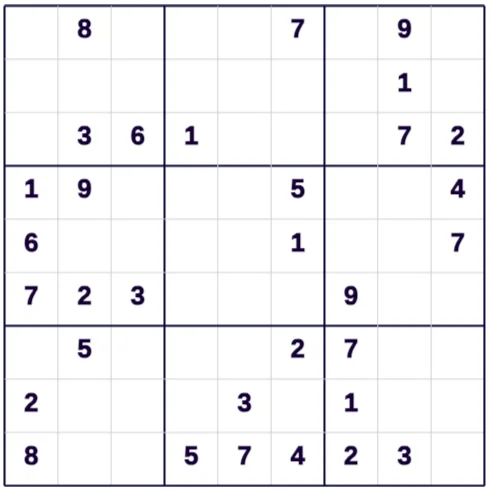
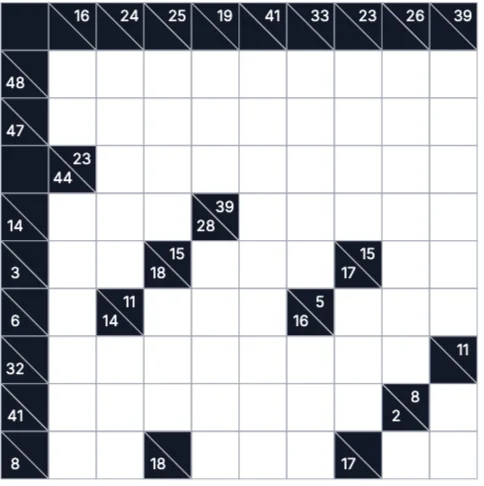
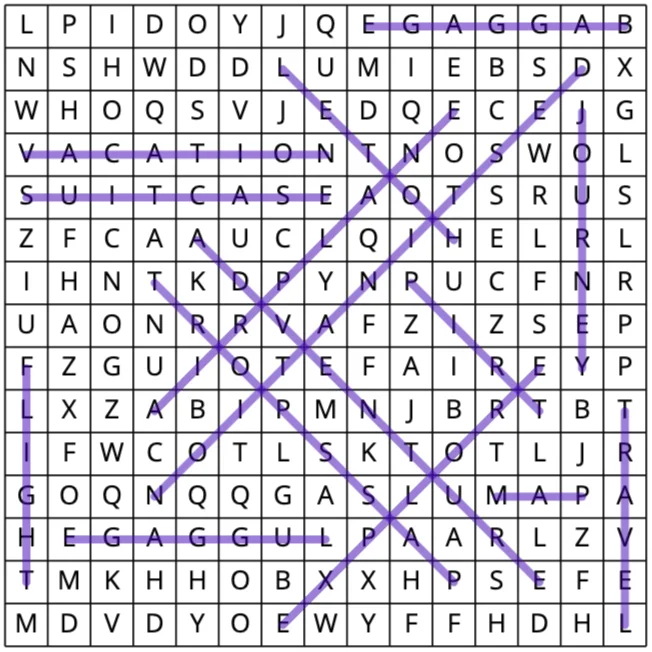
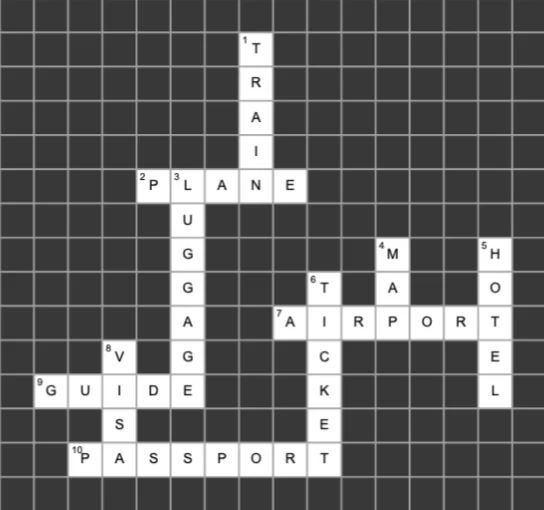
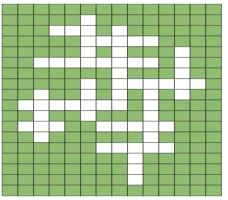
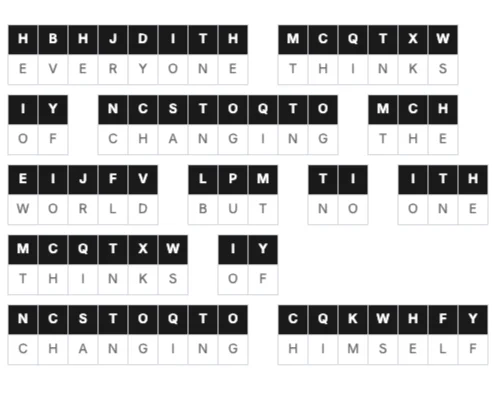
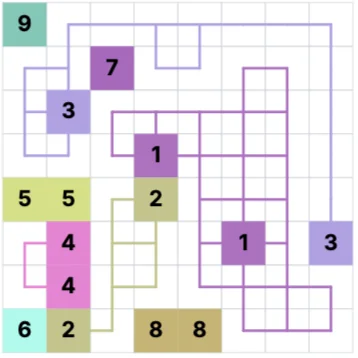
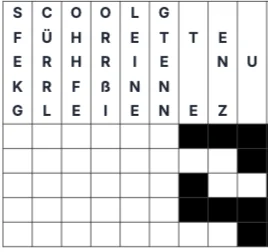
Want to tap into one of the most profitable and high-demand niches on Amazon KDP without spending weeks manually designing puzzles, drawing dot-to-dots, or hiring expensive freelancers? Children's activity books—combining word searches, crosswords, mazes, and dot-to-dot coloring pages—are evergreen bestsellers. Thanks to the power of the Librava.ai Studio, you can go from a blank canvas to a fully formatted, print-ready PDF book interior in just a few minutes. This comprehensive guide explains how to generate crisp, age-appropriate children's activity sheets, mix diverse puzzle types, and format your book interiors for a professional Amazon KDP launch.
Planning Your Activity Book Niche and Age Group
Before opening Librava.ai, you must identify your target audience. An activity book designed for a 4-year-old looks vastly different from one meant for a 10-year-old.
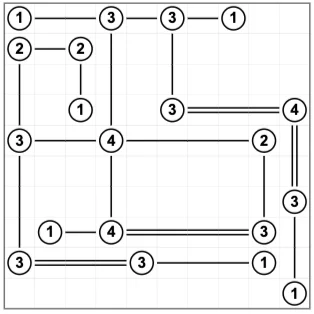
- Ages 4–6 (Preschool/Kindergarten): Focus heavily on visual activities like simple mazes, dot-to-dots (numbers 1-20), basic tracing sheets, and large-element coloring pages. Keep text minimal.
- Ages 6–8 (Early Elementary): Introduce easy crosswords, 10x10 word searches with simple vocabulary, word scrambles, and detailed coloring sheets.
- Ages 9–12 (Middle Grade): Complex crosswords, larger word searches (15x15 grids), logic puzzles, cryptograms, and intricate line art backgrounds.
- Pro-Tip for Niches: Don't just make a generic "Activity Book for Kids." Combine it with a highly searched, passionate sub-niche on Amazon, such as "Dinosaur Activity Book for Kids Ages 4-8", "Space Exploration Activity Book", or "Magical Unicorns & Mermaids Puzzles". Cohesive themes perform significantly better on Amazon and Etsy.
2. Generating Puzzles & Activities inside Librava.ai
Librava.ai Studio includes built-in automation modules designed specifically for KDP low-content creators. Rather than jumping between different external software programs, you can build everything in one dashboard.
Word Searches & Crosswords
- Open the Librava.ai Puzzle Generator.
- Select your grid size (e.g., 10x10 for younger children, 15x15 for older kids).
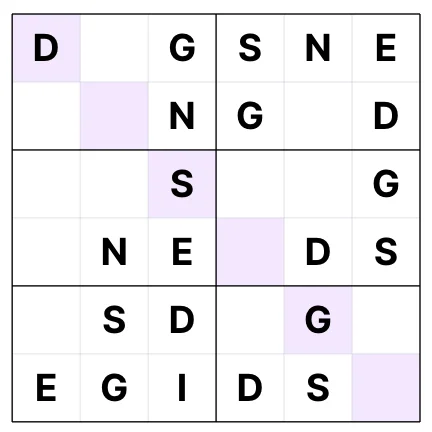
- Input a themed word list based on your niche (e.g., for a Space theme: PLANET, ROCKET, ASTRONAUT, COMET, STARS). If you're short on ideas, use Librava's integrated AI generator to instantly brainstorm a list of 15 age-appropriate words for your topic.
- Customize the font style and size to make sure it is bold and legible for young eyes.
Mazes and Dot-to-Dots
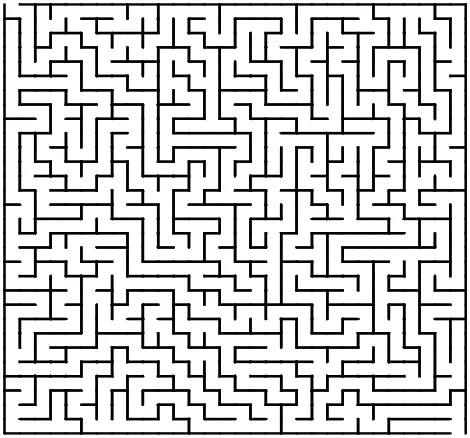
- Select the Maze Engine. Choose your difficulty tier (Simple, Medium, or Hard) and the shape grid (Square, Circle, or Diamond).
- For Dot-to-Dots, upload a basic silhouette image or use Librava’s AI line art module to outline a character, which the platform will instantly convert into numbered connect-the-dots worksheets.
3. Assembling and Formatting Your KDP Interior Layout
Once your individual elements (word searches, crosswords, and illustrations) are ready, it's time to assemble the book layout. Standard Trim Sizes For children's activity books, the industry standard is 8.5" x 11" inches. This generous format gives children plenty of room to write, draw, and color, and it fits perfectly on standard industrial printing presses. Safety Margin & Bleed Setup To prevent any elements from being chopped off during the physical printing and binding process at the Amazon warehouse, configure your document margins:
- Set your Inner Margins (Gutter) to at least 0.5 inches so text doesn't sink into the book crease.
- Keep all primary puzzle elements inside the safe zone bounds.
- The Single-Page Rule: For coloring and activity pages where children might use markers or heavy crayons, it is highly recommended to leave the reverse (backside) page blank. This prevents ink bleed-through from ruining the next puzzle.
5. Exporting Solutions Pages and Print-Ready PDFs
Amazon KDP requires a high-quality, print-ready PDF file for publication. Furthermore, KDP customer support and customer reviews will penalize puzzle books that forget to include the answers.
- Generate the Answer Key: In the Librava.ai dashboard, click "Generate Solutions". The tool automatically bundles miniature versions of your crosswords and word searches with the correct answers highlighted in bold overlays.
- Arrange the Back Pages: Place these solutions orderly at the very end of your manuscript, fitting 4 to 6 solution grids per page to save on your overall page count (which keeps printing costs low).
- Download PDF: Click on Export > KDP-Optimized PDF. Librava will output a single document that locks vector shapes in place, keeps fonts embedded, and meets the exact 300 DPI resolution standard required to clear Amazon’s automated review process.