


Librava vs Canva
The Ultimate KDP Interior Creator Alternative
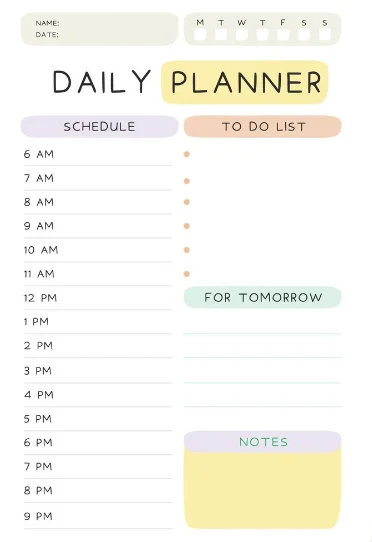
In the matchup of Librava vs Canva, self-publishers compare a specialized KDP book formatting engine with a general-purpose graphic design application. Canva is a brilliant, flexible tool for creating presentations, social media posts, and simple marketing flyers. However, when it comes to publishing full-length books on Amazon KDP, Canva presents major technical hurdles. It does not automatically calculate gutter margins, meaning publishers must manually resize grids based on page count or risk having their content swallowed by the book spine. Additionally, Canva lacks dedicated, algorithmic puzzle generators and KDP-focused AI page builders. Librava solves these problems by combining advanced generative AI tools with an automated layout editor that enforces KDP's precise publishing dimensions and formats automatically.
Core Feature Matchup
How Librava stacks up against Canva for Amazon KDP.
| Feature | Librava | Canva |
|---|---|---|
Automated Gutter Margins Calculates inside spine margins based on the page count automatically. | Yes (Perfect margins every export) | No (Must set and measure guides manually) |
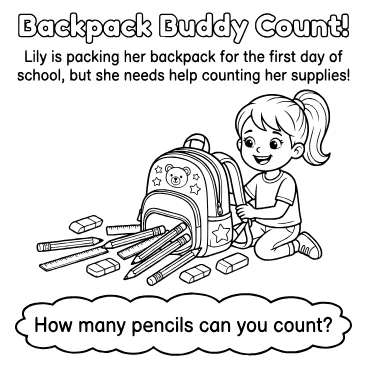
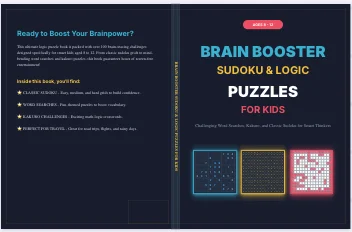
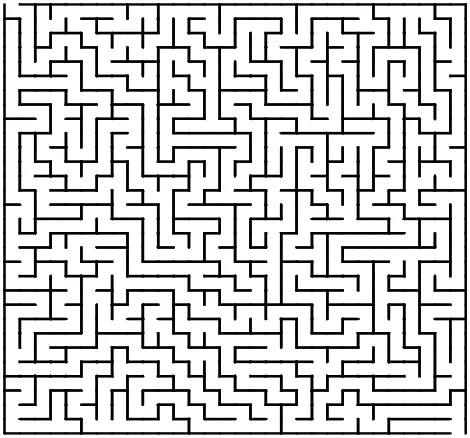
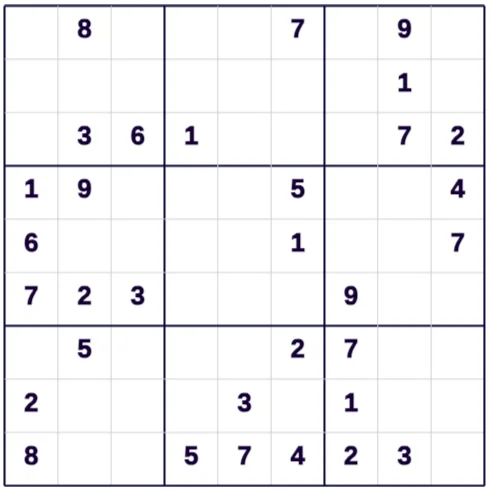
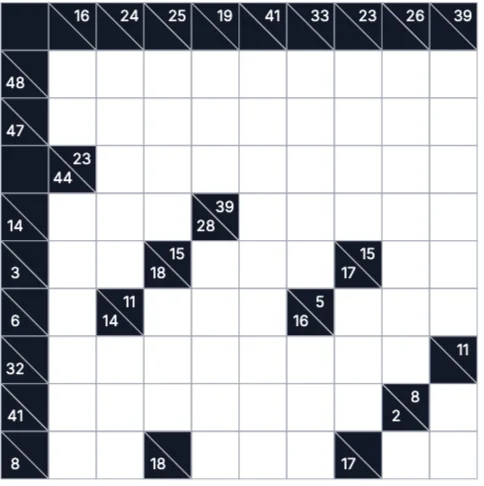
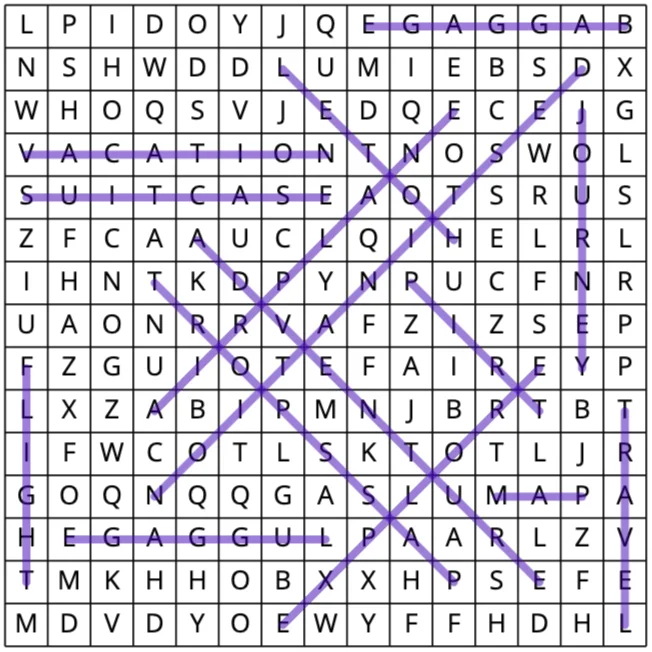
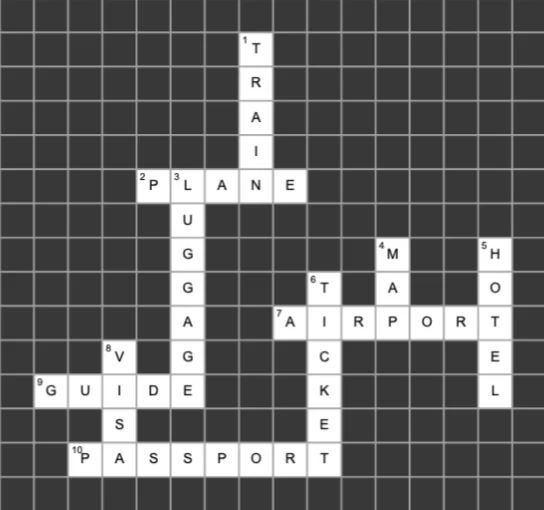
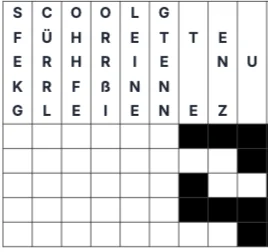
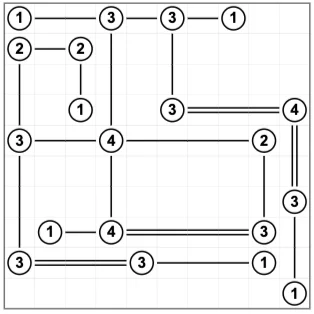
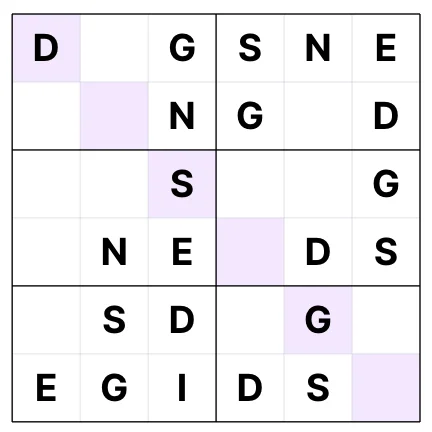
Algorithmic Puzzle Generator Generate Word Searches, Crosswords, Mazes, and Sudoku boards. | Yes (With solution pages generated) | No (Requires manual layout drawing) |
AI Coloring & Line-art generation Creates print-ready coloring pages with transparent backgrounds. | Yes (Pure line-art prompts) | Partial (General image generation only) |
KDP Spine and Bleed Math Determines exact PDF width to accommodate cover spine sizing. | Yes (Calculation-free layout) | No (Must calculate manually or use calculators) |
Vector-Aligned Exports Export crisp vector-grade interiors that do not blur when printed. | Yes (300 DPI vector PDFs) | Yes (PDF Print export) |
Side-by-Side Workflow
Librava Workflow
Fast, automated, and AI-powered
Set page specs
Input your desired trim size, bleed selection, and estimated page count.
Generate elements with AI
Generate coloring art, puzzles, or workbook assets. The system places them inside safe margin boundaries automatically.
Download PDF
Export a single, structured PDF file with perfect interior alignment.
Canva Workflow
Manual formatting required
Calculate margins
Search Amazon KDP guidelines, determine necessary margins, and drag manual rulers onto your canvas.
Manually align content
Align all text boxes and design assets relative to the lines. Repeat for every page of the book.
Re-format on change
If your page count changes, you must manually adjust all gutter margins on every page to prevent print-rejection.
Pricing Comparison
Free tier available. Premium plans start at $9/month and include unlimited access to KDP formatting calculators, AI art engines, and puzzle solvers.
Free basic version. Canva Pro costs $12.99/month per user and unlocks premium stock assets and brand kit features.
The Verdict
Canva is excellent for social media graphics and basic cover graphics. However, for publishing print-on-demand books, Librava is the clear winner. Librava eliminates the manual page alignment, gutter math, and layout verification processes required in Canva, while providing robust AI generators designed specifically for KDP interiors and covers.