
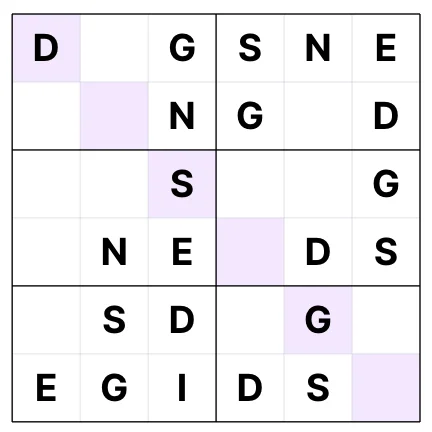
How to Create Puzzle Books
Puzzle books and activity books are extremely popular on Amazon KDP, attracting loyal, repeat buyers who purchase new volumes regularly. Generating these books manually can be an administrative nightmare, as you must design grids, ensure puzzles are solvable, and compile matching answer keys. This guide details how to generate puzzle books using automated AI software and compile them into publication-ready PDF interiors.
1. Popular Puzzle Niches & Formats
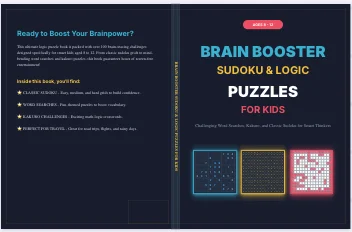
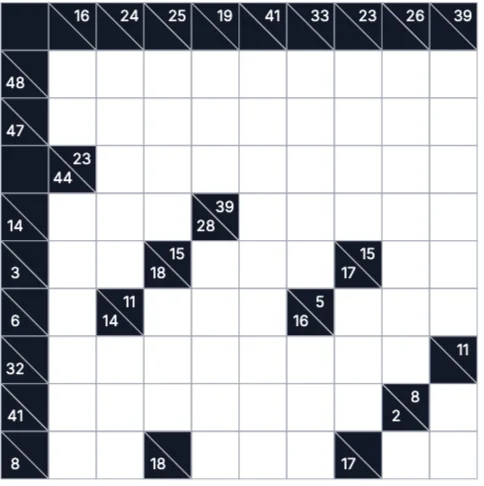
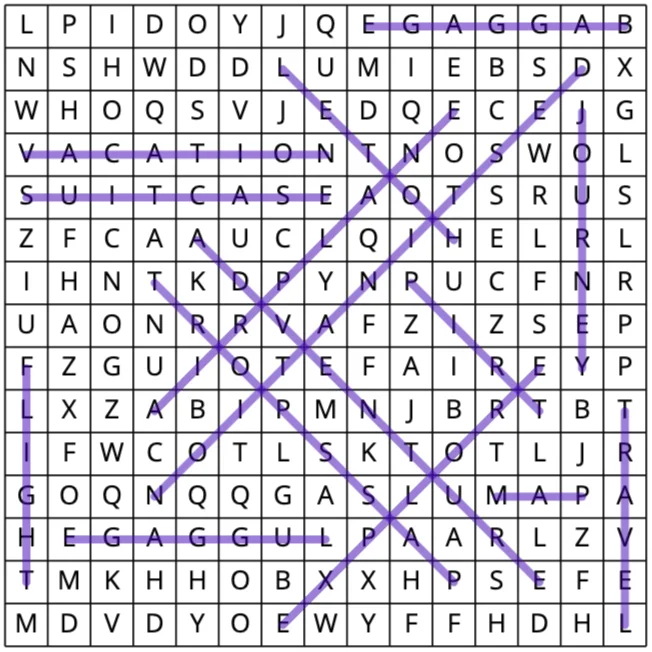
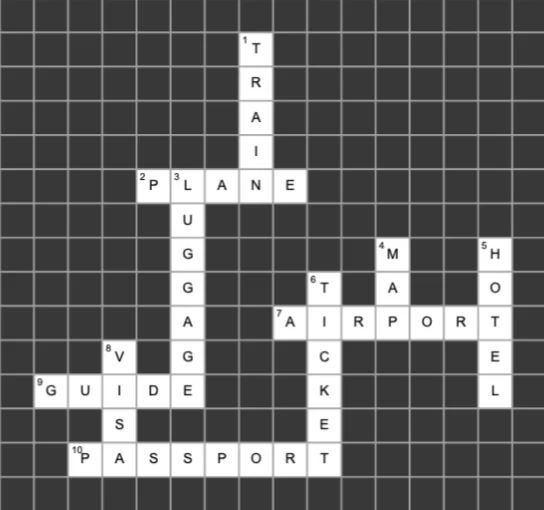
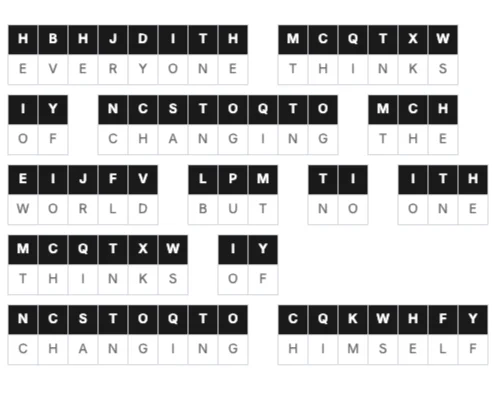
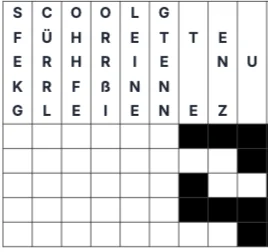
A successful puzzle book should cater to a specific audience or difficulty level. Word searches, sudoku grids, crosswords, mazes, cryptograms, and drop quotes are the top-selling puzzle types. You can combine these into general activity books or create specialized single-niche books (e.g. 'Sudoku for Seniors'). Make sure to customize the theme (e.g., holiday-themed word lists) to stand out in the Amazon marketplace.
- Word Searches: Great for themed words, vocabulary building, and educational workbooks.
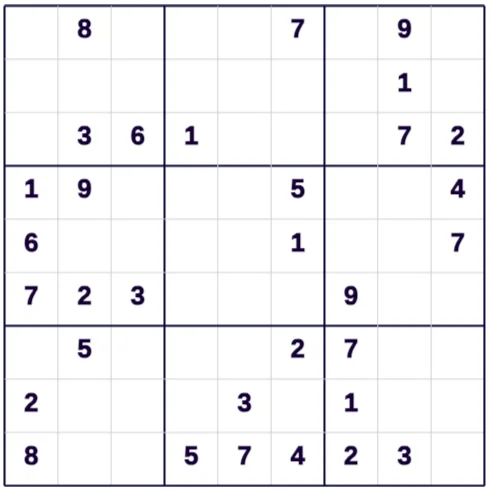
- Sudoku Grids: Classic logic puzzles spanning Easy, Medium, Hard, and Extreme difficulties.
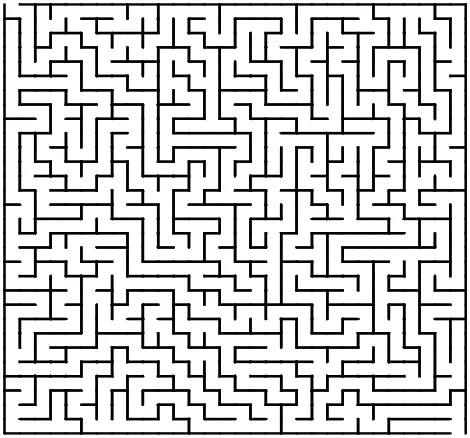
- Mazes: Visual puzzles that are highly popular in kids' activity books and brain-teaser sheets.
2. Generating Error-Free Grids and Puzzles
Puzzles must be structurally sound and completely solvable. A crossword with overlapping clues that don't match, or a Sudoku grid with multiple solutions, will lead to bad reviews and low sales. BooksGenie uses deterministic algorithms to solve and generate perfect grid intersections, verifying that every sudoku board has exactly one unique solution and that word search lists are successfully fitted into the letters grid.
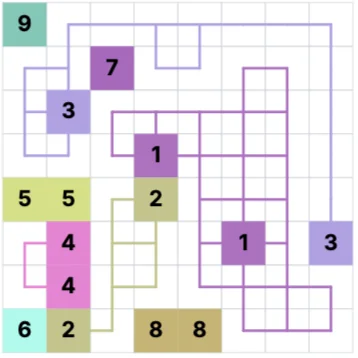
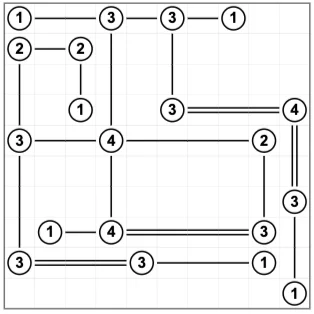
- Unique solutions: Logic engines verify that Sudoku and Numberlink grids are mathematically solvable.
- Word density: Fit your custom word lists horizontally, vertically, and diagonally to vary difficulty.
- Grid sizing: Use large grid cells (at least 14pt fonts) for senior-focused books to ensure high readability.
3. Formatting Puzzles and Answer Keys
An active puzzle book interior requires logical organization. Keep your main puzzles on the front pages, and compile all matching solutions in a dedicated section at the back of the book. To save pages and keep printing costs low, format the answers section to show multiple solutions per page (e.g. a 2x3 grid displaying six miniature puzzle solutions per page). Highlight matching solutions clearly to make checking easy.
- Page numbers: Ensure puzzle page numbers match the corresponding answers in the back index.
- Answers layout: Compress solution grids to 4 or 6 per page to keep the final page count under control.
- Contrast: Use clear black outline strokes for mazes and word grids to make them easy to read.