
How to Create AI Coloring Books
AI coloring books have become one of the fastest-growing niches on Amazon KDP and print-on-demand marketplaces. Thanks to modern generative AI art engines, you no longer need to hire expensive illustrators or manually draw every coloring page. However, creating a coloring book that sells requires clean line-art, cohesive themes, and correct print layouts. This guide explains how to generate crisp coloring illustrations and format your pages for professional publishing.
1. Writing AI Prompts for Coloring Pages
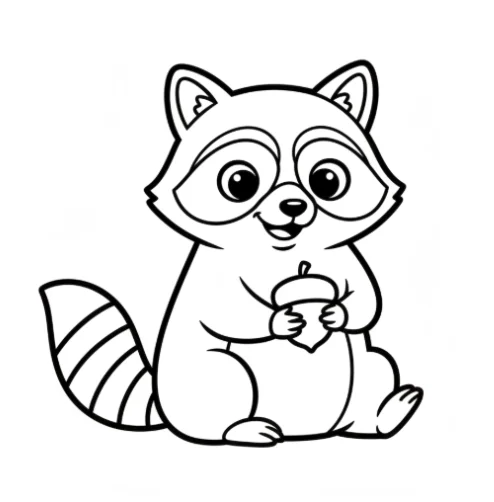
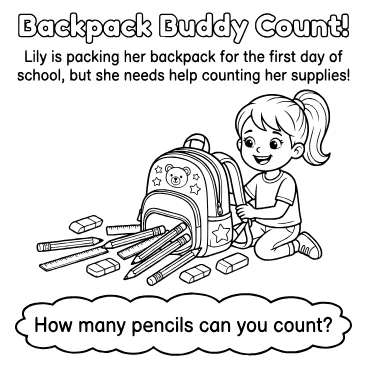
The key to generating high-quality coloring pages lies in writing precise prompts that specify a clean line-art style. Avoid generic prompts like 'dog coloring page', which can result in grayscale, shading, or messy lines. Instead, use explicit keywords that prompt the AI to output solid black outlines with transparent white spaces.
- Use key modifiers: 'black and white line art', 'pure line drawing', 'thick outlines', 'no shading', 'clean borders'.
- Specify background: Add 'white background', 'vector graphics format', or 'high contrast line art' to keep pages clean.
- Character consistency: Describe characters with consistent features and settings if building a themed storybook.
2. Upscaling and Vectorizing Graphics
AI-generated images are output as raster files (PNG or JPEG), which can become pixelated when printed at book sizes. To ensure professional quality, you must upscale your images to at least 300 DPI (dots per inch) or convert them to vector files (SVG). BooksGenie's generator handles this natively, outputting high-contrast, razor-sharp vector PDF paths that print perfectly without pixelation.
- Target resolution: Minimum 300 DPI at the physical trim size (e.g. 2550 x 3300 pixels for an 8.5x11 inch page).
- Vectorization: Convert line art to vector paths to allow infinite resizing without quality degradation.
- Background removal: Ensure background pixels are pure white or fully transparent before page layout.
3. Margins and Blank Page Strategy
Coloring books require specific page layouts. Standard coloring books are printed on 55lb white paper, which is relatively thin and prone to ink bleed-through if colorists use markers or gel pens. To prevent bleed-through from ruining the next drawing, insert a blank or decorated page between every coloring design, creating a single-sided book. Furthermore, set your margins to at least 0.375 inches to ensure the art doesn't merge with the binding.
- Single-sided printing: Place coloring designs only on the right-hand pages (odd-numbered pages).
- Margins: Keep central characters inside the safe zone, leaving a 0.5-inch gutter on the binding edge.
- Decorative borders: Add thin, dark borders around each illustration to frame the artwork professionally.