


How to Create Journals & Planners
Journals and planners represent the most popular category in the KDP low-content publishing space. From simple lined diaries to highly structured daily planners and habit trackers, journals are straightforward to create and enjoy high purchase volumes. However, because these books are meant to be written in, configuring margins, line spacing, and binding safety zones is critical. This guide provides the layout specifications and niche strategies needed to publish professional journals.
1. Profitable Journal and Planner Niches
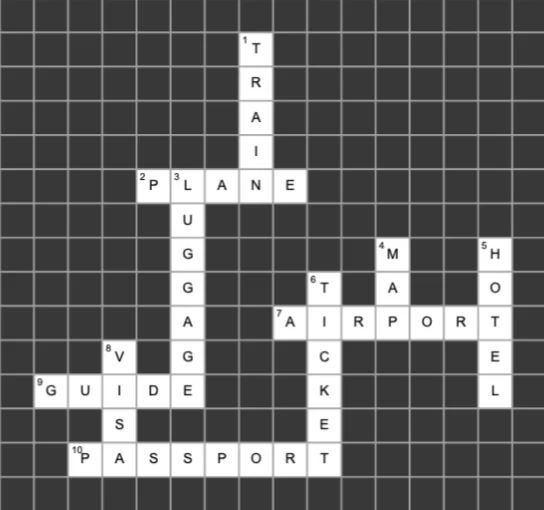
Lined journals are simple, but creating themed or guided journals attracts a more targeted customer base. Guided journals feature prompts, quotes, or exercises (e.g., '5-Minute Gratitude Journal'). Planners can include daily schedules, calendar grids, habit trackers, and budgeting templates. Combining simple lined pages with specialized tracking sheets increases the perceived value of your book.
- Gratitude Journals: Incorporate morning prompts, quote placeholders, and evening reflections.
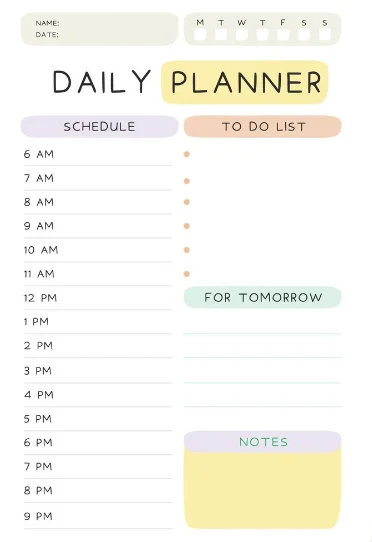
- Daily Planners: Standard hourly task lists, priority blocks, and water tracker icons.
- Habit Trackers: Calendar matrices and circle grids where users color in completed days.
2. Formatting Lines, Grids, and Margins
For a comfortable writing experience, line spacing and grid alignments must match standard notebook dimensions. College-ruled spacing is approximately 0.28 inches (7.1 mm), while wide-ruled spacing is 0.34 inches (8.7 mm). Your design elements must be clean, light gray, and placed safely inside KDP's print margins to avoid looking cluttered or getting cut off during binding.
- Line color: Use light gray (60% to 70% black tint) instead of pure black for writing lines, as black is too harsh.
- Gutter margins: Increase gutter spacing (at least 0.5 inches) so that users can write easily near the binding spine.
- Dotted grids: For bullet journals, use 5mm spacing between dots and render them in a light gray dot pattern.
3. Interactive Workbook Layouts
If you are creating educational workbooks or planners with varying page types, you need an editor that lets you mix and match different layouts. BooksGenie provides an interactive workspace where you can easily combine lined diary sheets, calendar grids, checklist blocks, and blank drawing spaces. The editor automatically adjusts and locks the layout structure to fit KDP's margins.
- Page duplication: Save customized layouts as templates and duplicate them to generate 100+ page books instantly.
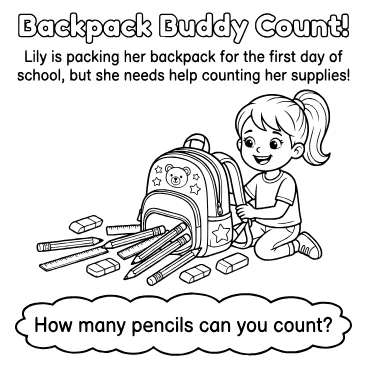
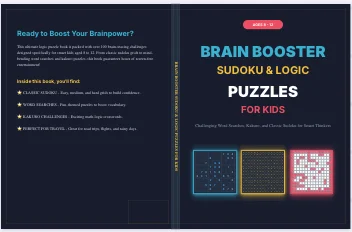
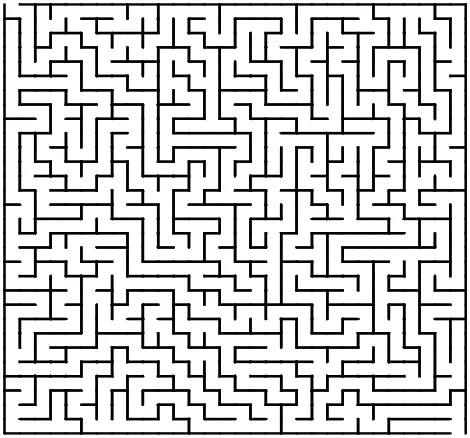
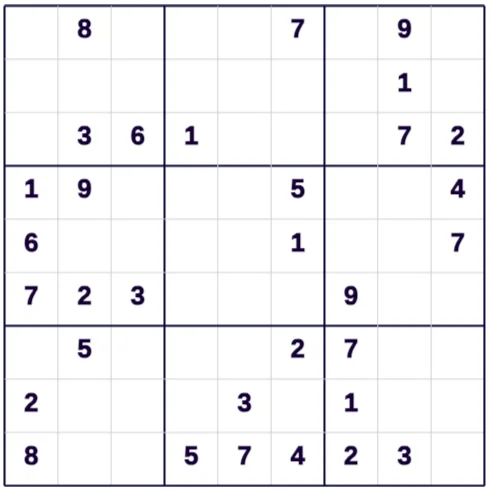
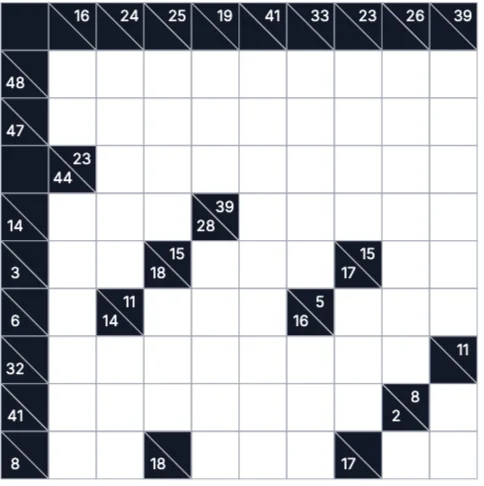
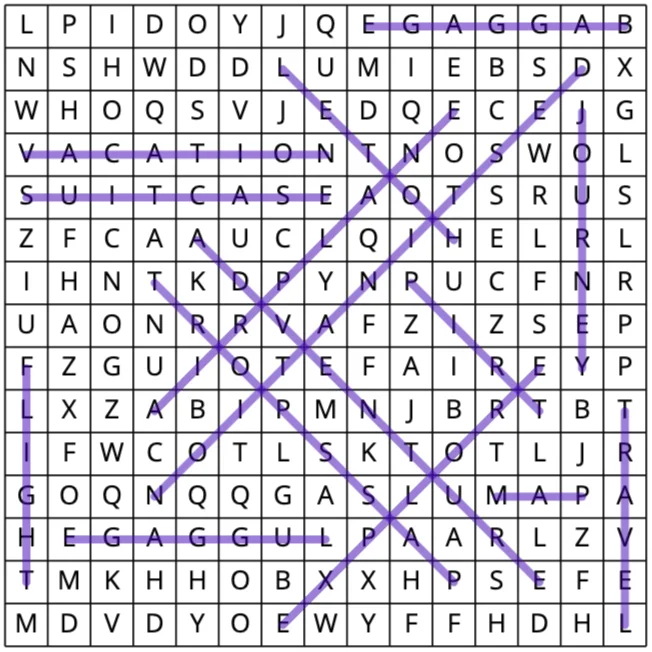
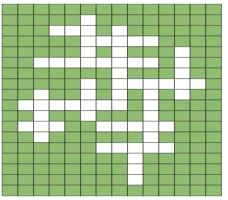
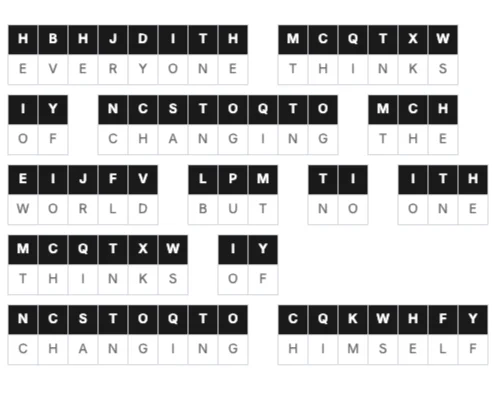
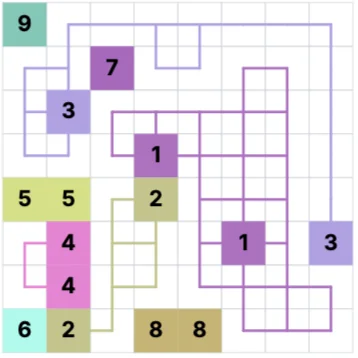
- Mixed interiors: Combine puzzle grids, coloring designs, and lined sheets in a single activity workbook.
- Page numbering: Enable automated footer numbering so that table of contents indexes match correctly.